SMAQ: Show Me A QR
QR codes made simple, beautiful, and ad-free.
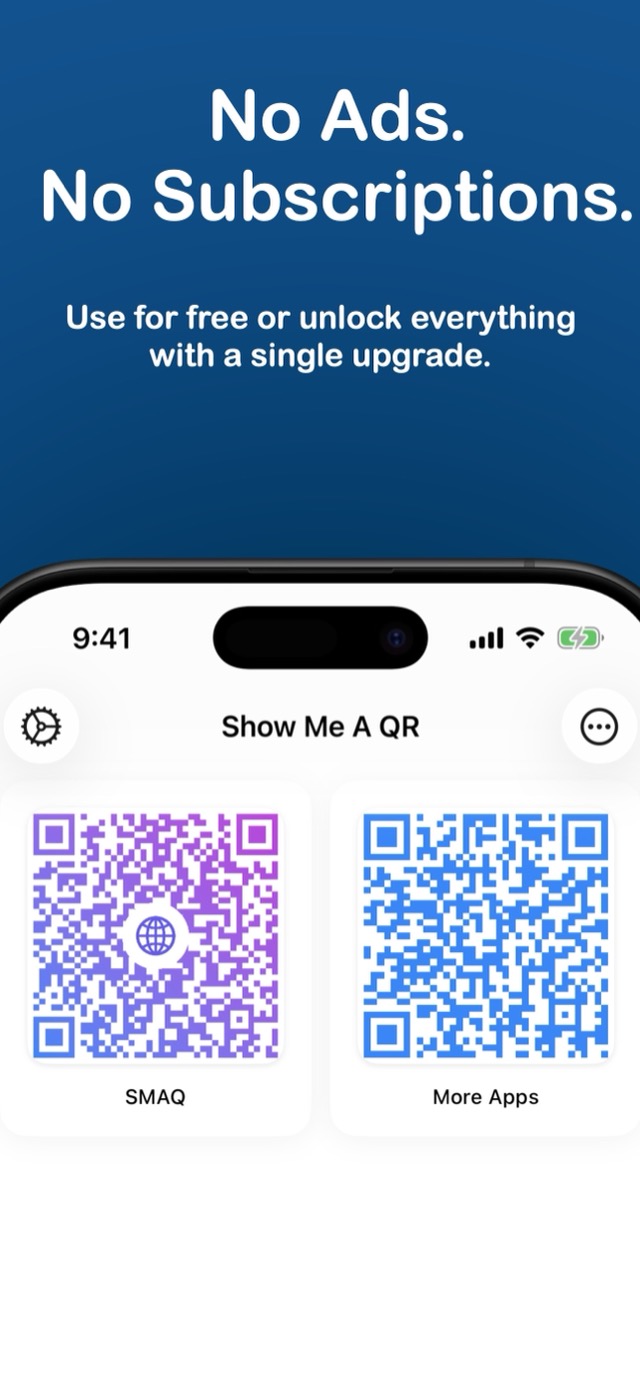
Free for your first three codes, with no ads and no subscriptions. One purchase unlocks unlimited codes and gradients.

The codes you actually need, one tap away
SMAQ keeps the handful of QR codes a person really uses: the guest Wi-Fi, a portfolio, the menu, a playlist. Style them the way you like, then show them from the app, from a Home Screen widget, or straight from another app's share sheet.
Links, Wi-Fi, and more
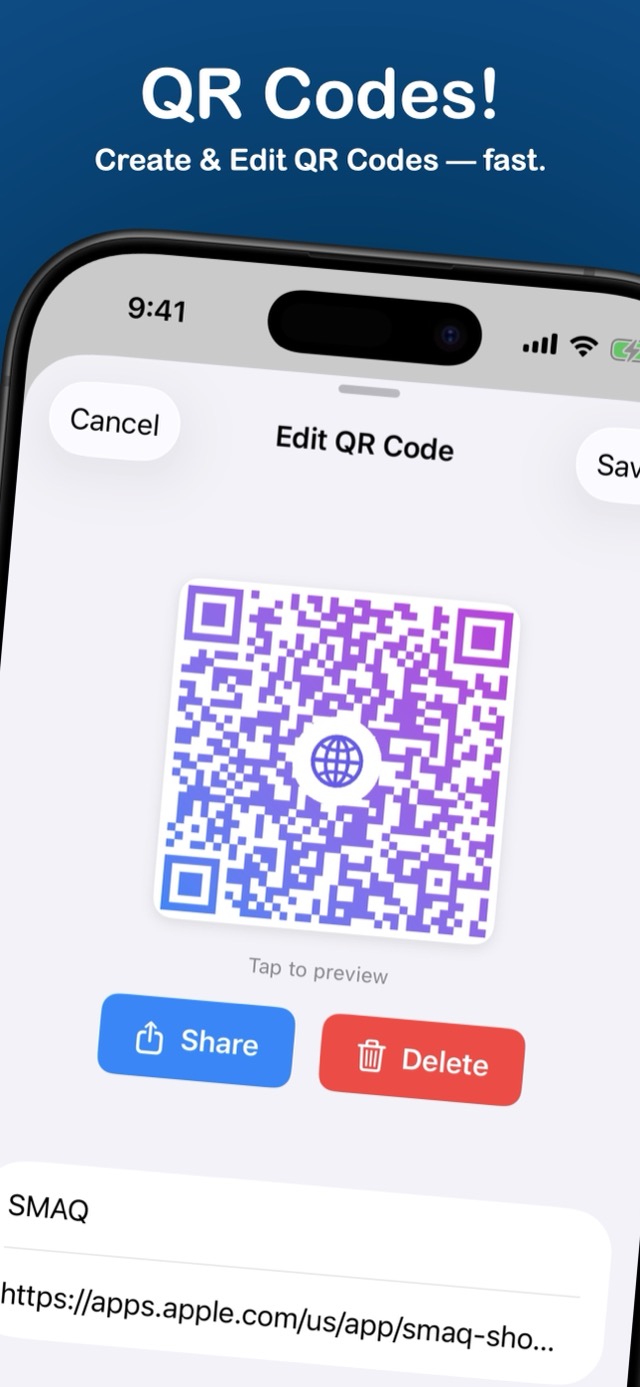
Make a code for a link, plain text, an email, a phone number, a message, or your Wi-Fi network, each with its own simple form.
Make it yours
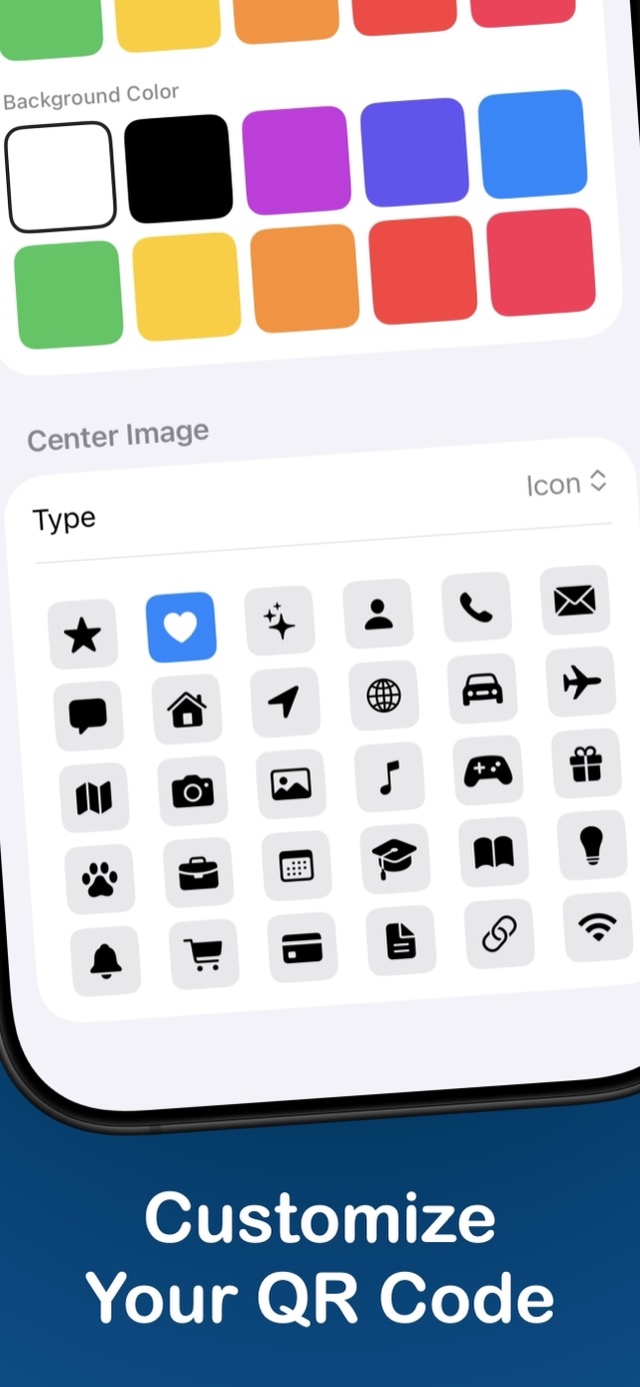
Pick solid colors or gradients, set a background, and drop an SF Symbol or a photo in the center. Codes stay scannable.
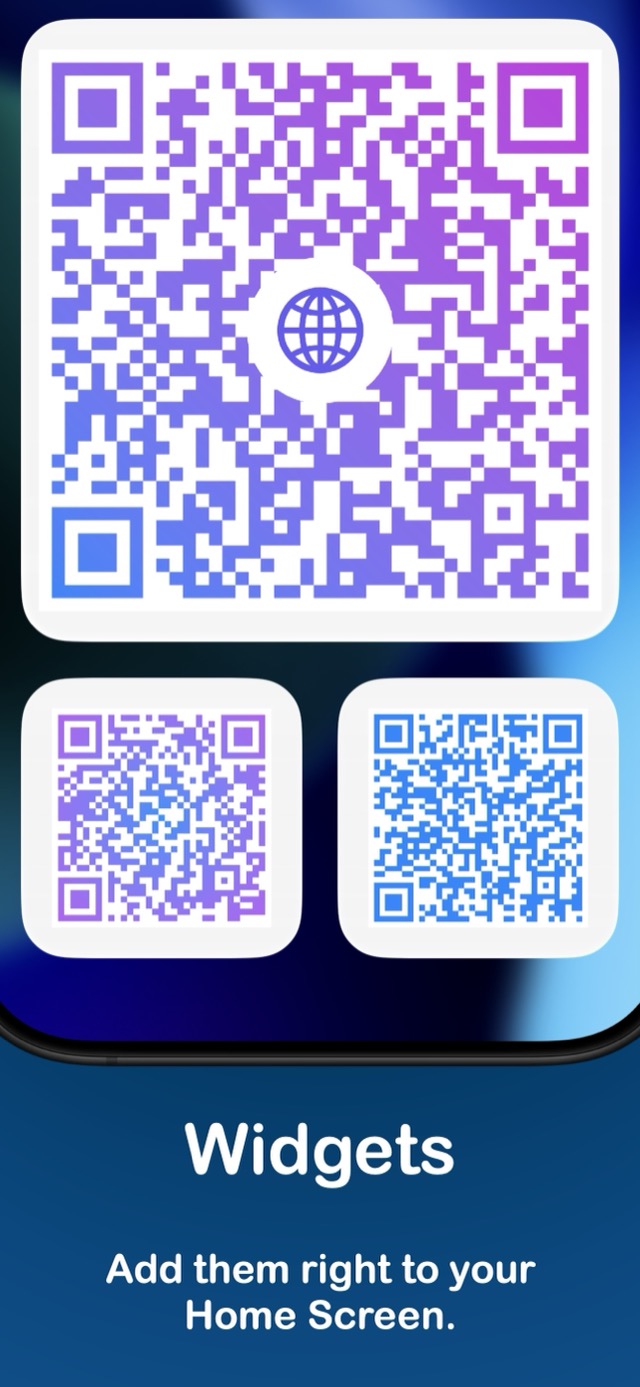
Show it instantly
Put a code on a Home Screen widget so it's there the moment someone asks for it.
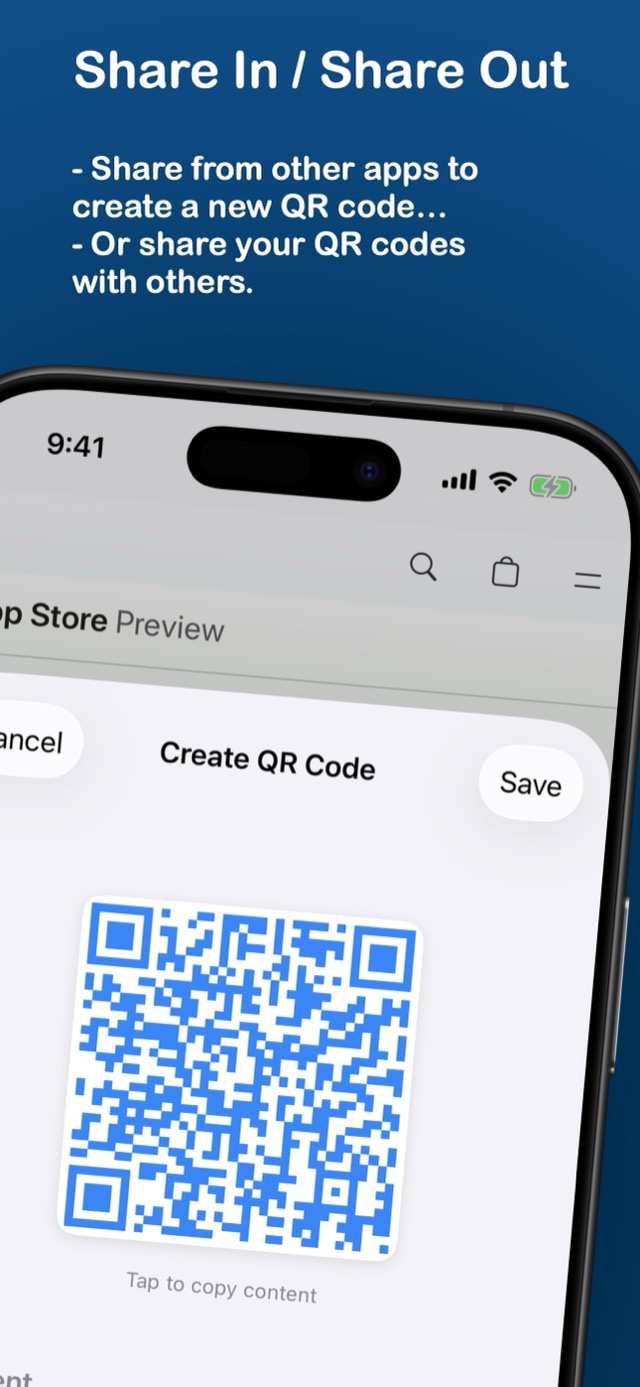
Save from any app
Create a code from Safari or any app that shares a link or text, right from the share sheet.
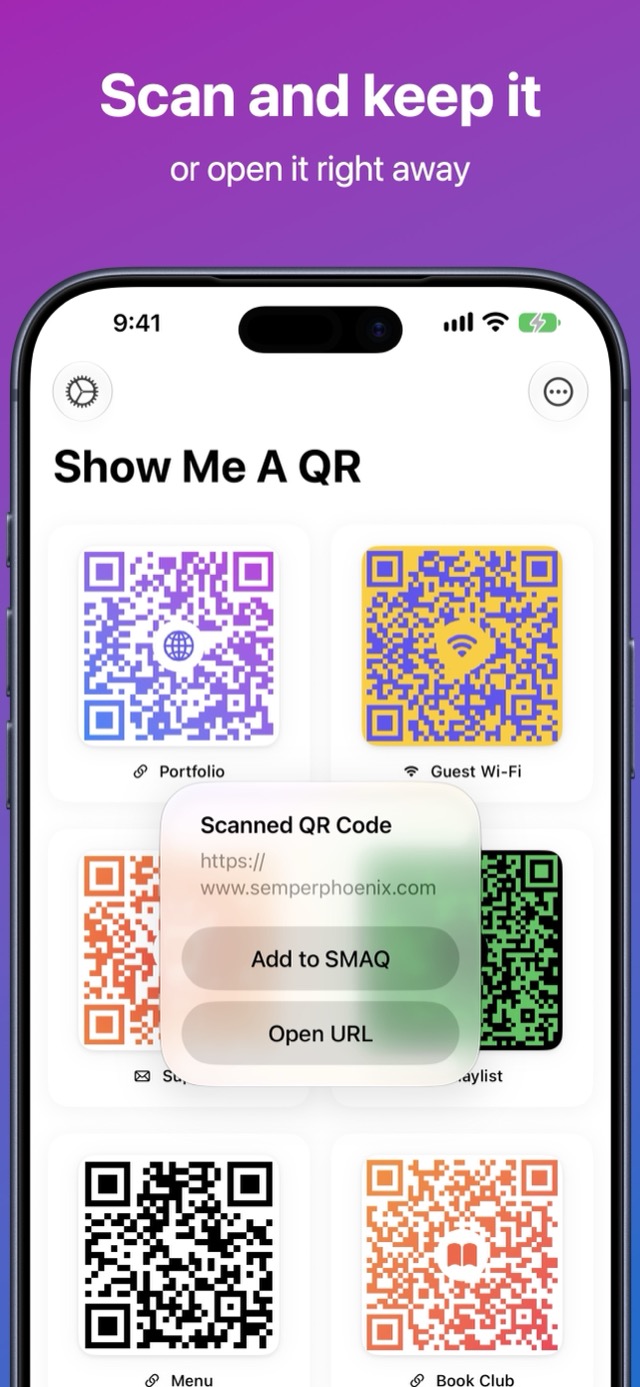
Scan and keep it
Scan a code with the camera, then keep it in SMAQ, open it, or search the web for it.
Offline and private
No accounts and nothing sent anywhere. Your codes stay on your device.
See it in action
Found a bug or have a feature request? Email us (opens a pre-filled email) and we'll get back to you.